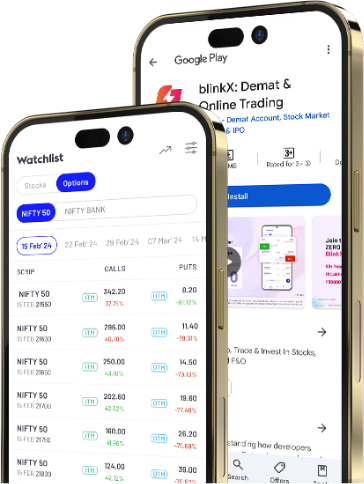
With Navigate BlinkX, you don’t have to guess. It’s your visual guide to the BlinkX app, bringing together short and simple how-to videos in one place.
Whether you’re exploring a feature for the first time or just need a quick refresher, these videos help you understand and use BlinkX features with ease.
Navigate BlinkX

“Hey, where do I find this feature?”

How-to Videos
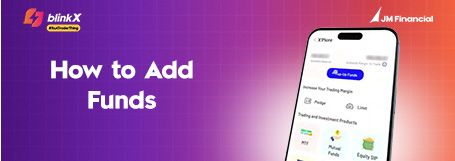
▶
How to Add Funds?
View→
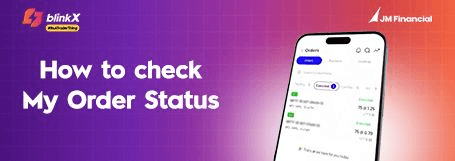
▶
How to Check My Order Status?
View→

▶
How to Access Market Scanners?
View→

▶
How to View My Portfolio & Add Funds?
View→
▶
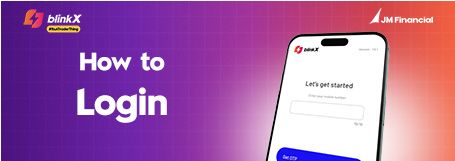
How to Login?
View→
▶
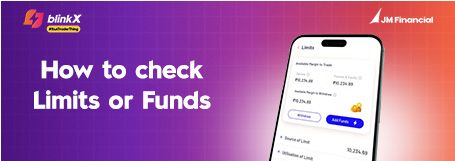
How to Check Limits or Funds?
View→

▶
How to Pledge Stock for Collateral Limit?
View→

▶
How to Place Stop Loss Order?
View→

▶
How to Open BlinkX Account?
View→
▶
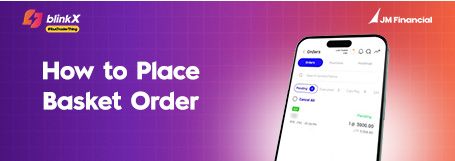
How to Place Basket Order?
View→
▶
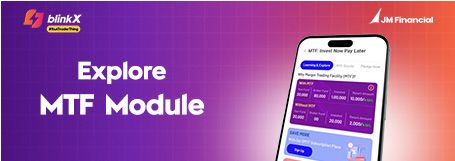
How to Access MTF?
View→
▶
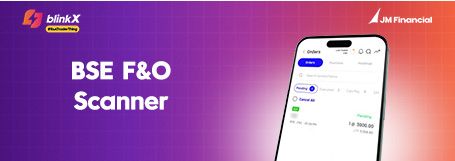
How to use BSE F&O Scanner?
View→
▶
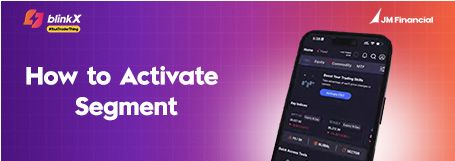
How to use Segment Activation?
View→

▶
How to Place Single Tap Market Order on App & Web?
View→

▶
How to see Margin Calculator on MTF?
View→
▶
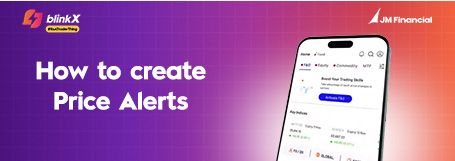
How to Create Price Alerts?
View→
▶
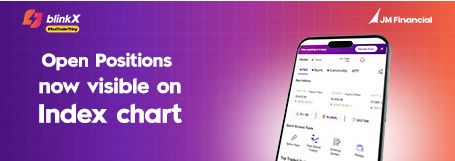
How to Check Open Positions?
View→
▶
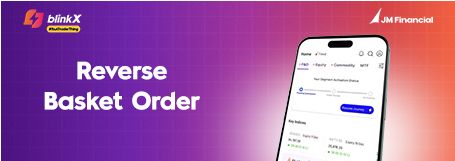
How to Access Reverse Basket Order?
View→

Join thousands of learners