BlinkX Product Updates


BlinkX Recap 2025: Another year of building BlinkX
BlinkX Recap 2025 highlights product launches, faster performance, transparent pricing, and trader-driven features.

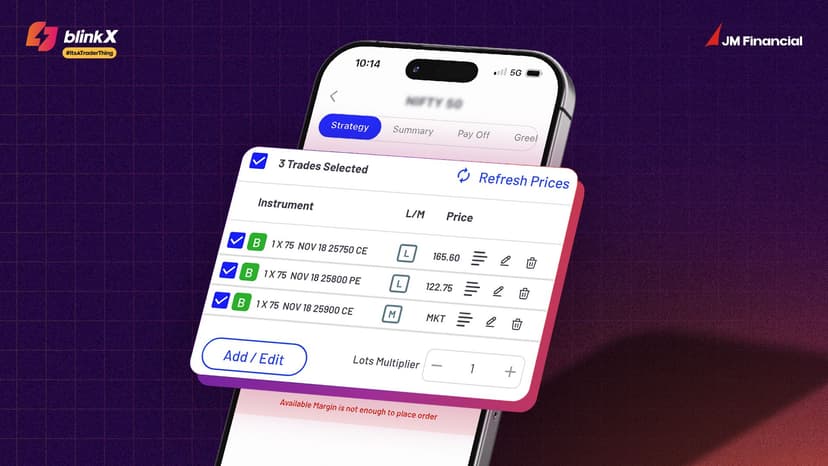
Introducing Single Tap Market Order
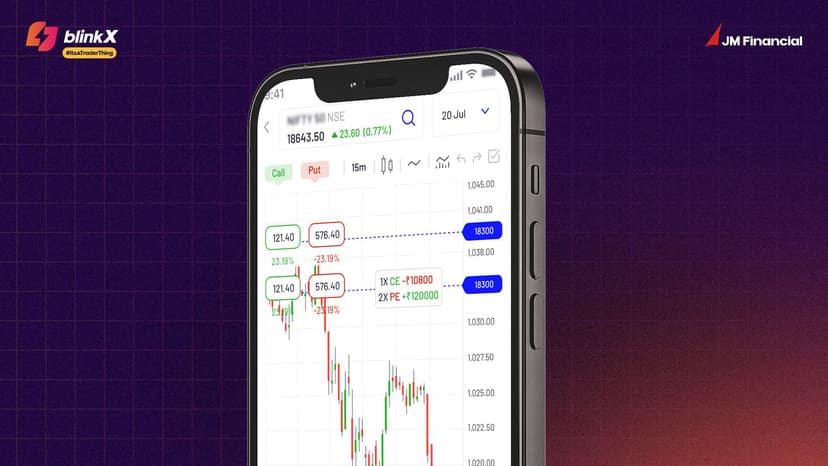
Place market orders directly inside Strategy Builder and execute your entire strategy with OneTap.

Open Positions now visible on Index Charts
BlinkX now shows all your open positions directly on index charts instantly without switching tabs.

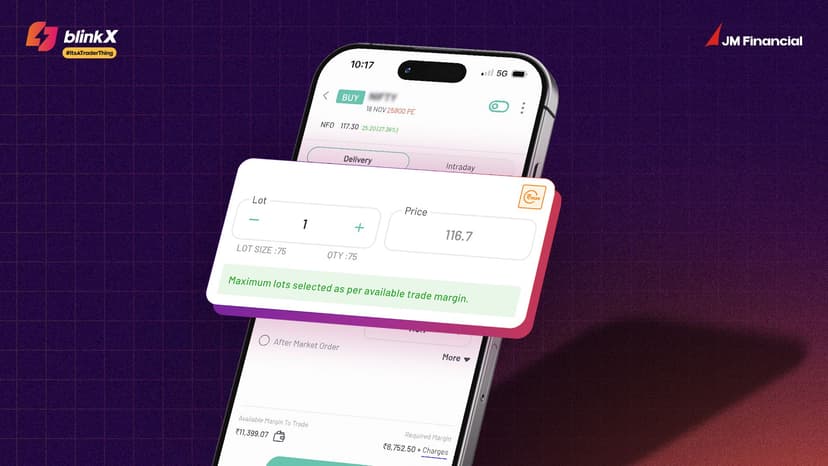
Introducing Max Order Quantity
The Max Order Quantity calculates the maximum quantity based on your available margin.

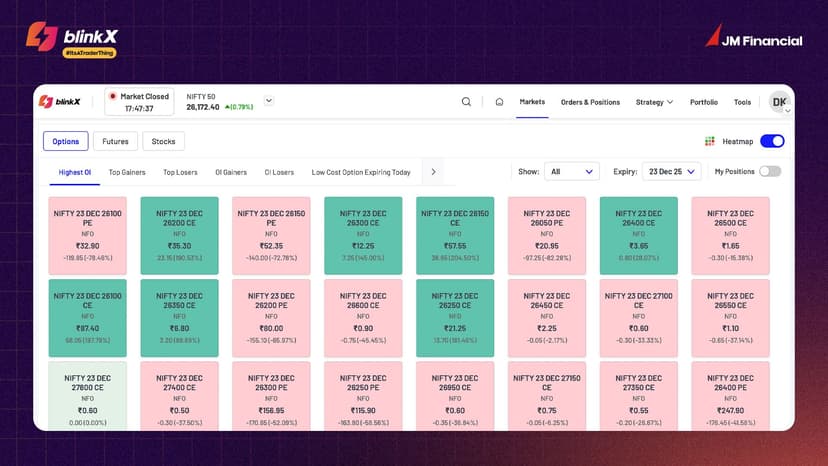
Introducing Markets Page on BlinkX Web
Scan Options, Futures, and Stocks with easy-to-use screeners, all from one single workspace.

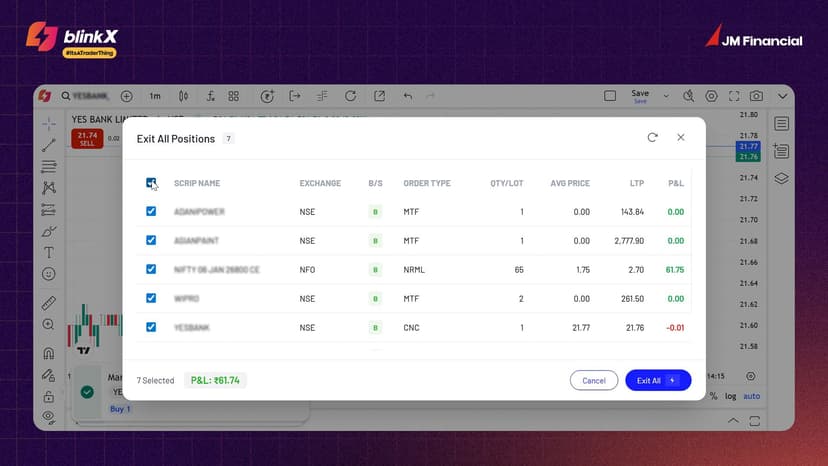
Explore Exit All Positions on TradingView
Exit All Positions on TradingView is a single-click panel that allows traders to square off positions instantly.

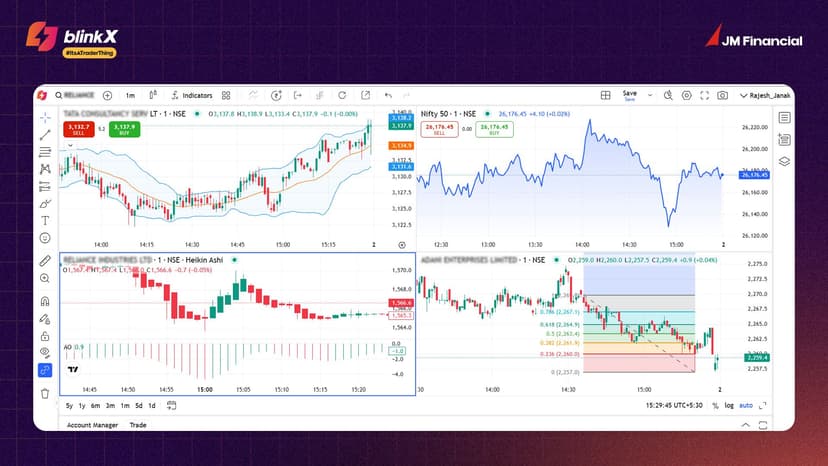
Introducing Multi Chart Layout on TradingView Charts
Analyse multiple stocks or timeframes simultaneously on a single screen without the need to switch between tabs.

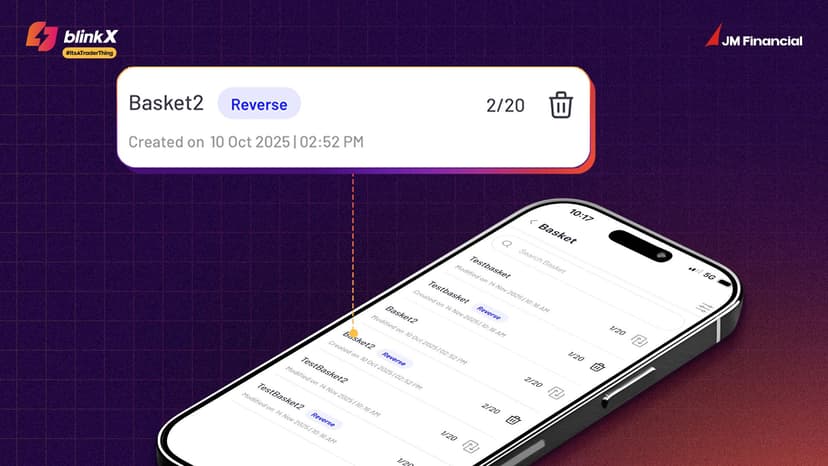
Reverse Basket Order Now Live
Enables you to group multiple buy or sell orders and reverse all the positions with a single tap.

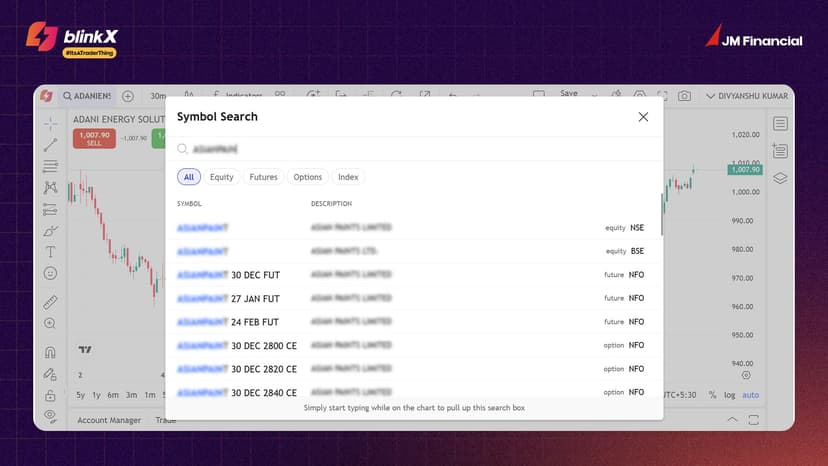
Discover: Symbol Search on TradingView Charts
Symbol Search on TradingView Charts helps traders switch to any tradable instruments within the charting interface.

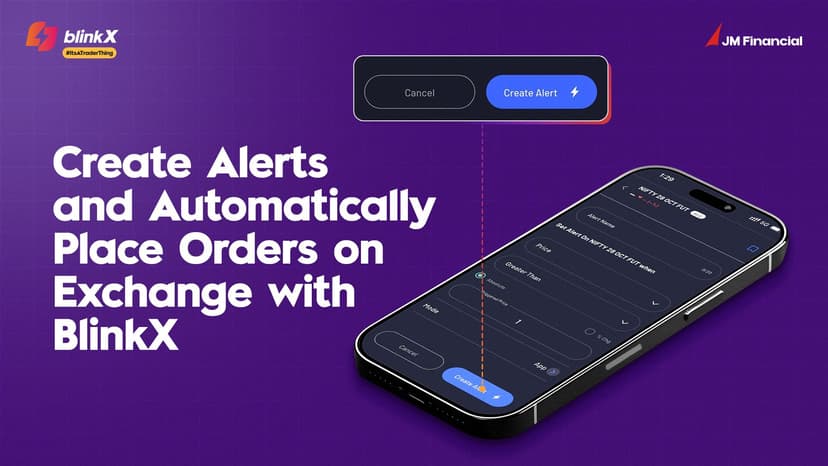
Create Alerts and Automatically Place Orders on Exchange with BlinkX
BlinkX lets you set price alerts for any stock or instrument and get instant notifications when your target price is hit
SEARCH
CATEGORIES

Join thousands of learners
Subscribe to our newsletter for regular updates